Google Pay is a fast, simple, and secure way to pay using your Android device. It works seamlessly purchases, allowing you to pay without carrying your physical card.
Google Pay makes everyday payments easier while keeping your information protected.
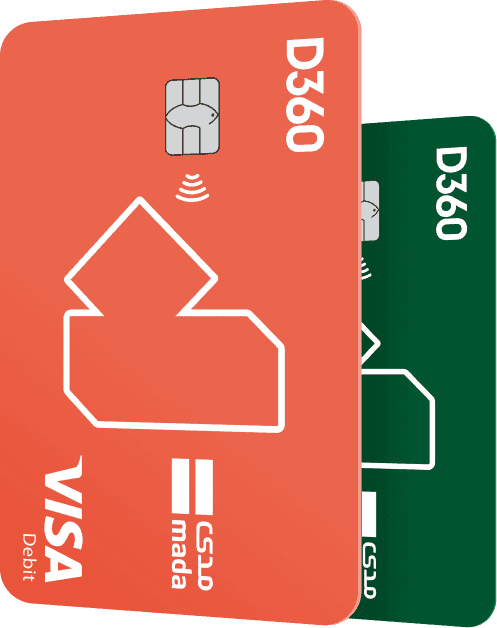
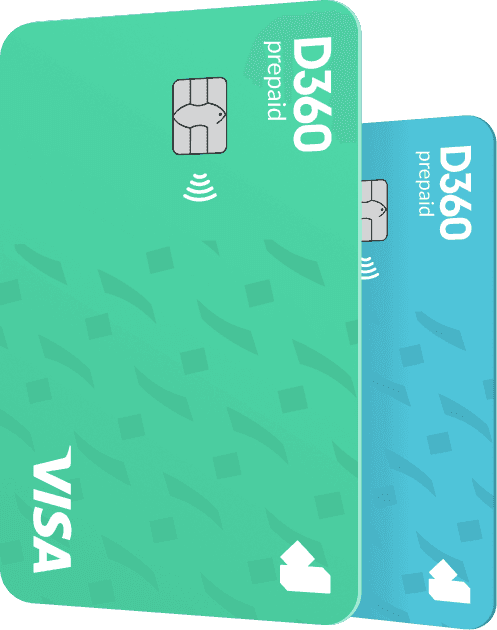
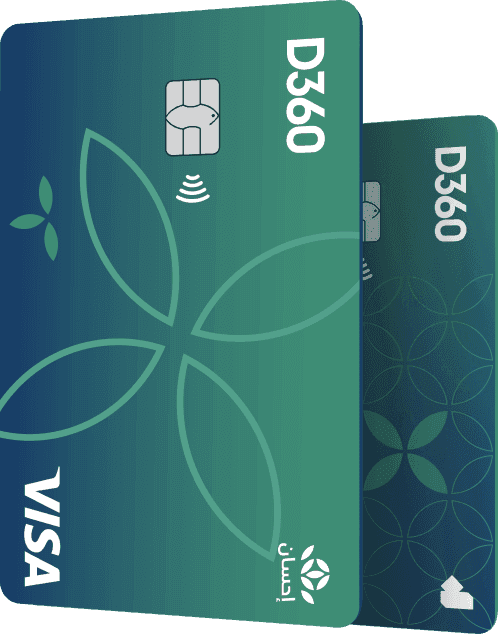
Enjoy the convenience of Google Pay with your D360 Bank cards. It is easy to use, widely accepted, and enables you to make secure payments. Paying with Google
Pay is faster and safer than using your physical card.
When you pay using Google Pay, your card details are protected through tokenization. Your actual card number is replaced with a unique digital token for each
transaction. Your real card information is never shared with merchants and is not stored on your device or Google servers. When using your D360 Bank cards with
Google Pay, your payment information remains secure and private.
Your D360 Bank cards can be securely stored in Google Wallet alongside your loyalty cards, passes, and other supported items. Simply add your D360
Bank cards to Google Wallet and start paying instantly.
Google Pay allows you to pay for public transportation using your D360 Bank cards on supported transit systems. Just hold your Android device near
the contactless (NFC) reader to tap and go.
• Convenience: Pay quickly using your Android device without carrying your physical card.
• Security: Tokenization and biometric authentication help reduce fraud.
1. Open Google Wallet on your Google or Android device.
2. Add a Payment Method by Tapping the "+" button or "Add to Wallet" at the bottom of the screen.
3. Enter Your Card Details; card number, expiration date, CVV, cardholder name, and billing address
4. Complete the authentication using one of the following:
o Fingerprint or Face ID
o Automated verification call (IVR)
o One-time password (OTP) sent to your registered mobile number
5. Accept the Terms & Conditions.
6. Your card will be added and ready to use.